

Download Kanvas Lab – photo editor, image maker, GIF creator, animation tool, digital greeting, creative tool, social media graphics, photo collage, birthday message, message maker, custom stickers, AI photo enhancement
Overview
Kanvas Lab is a desktop application designed to transform everyday images and photos into expressive, dynamic digital messages. The software empowers users to enhance, edit, and animate visual content for personal and social communication. Whether crafting a heartfelt birthday greeting, celebrating a milestone, or sharing a creative post on social media, Kanvas Lab enables users to go beyond static images by incorporating animations, stickers, text effects, and custom edits. The tool is particularly useful for individuals seeking to personalize digital interactions with a unique, memorable touch.
Target users include creative hobbyists, families sharing life moments, and professionals creating visual content for outreach or branding. The software supports a range of real-world use cases, such as compiling animated flipbooks from photo collections, generating themed GIFs for holidays like Christmas, or enhancing images with AI-powered tools to improve clarity and detail. Its integration with social platforms allows for seamless sharing across messaging apps, email, and social media.
Developed by Kanvas Lab, the application was released on April 15, 2024. While specific details about the development team are not provided, the software reflects a focus on user-friendly creativity and visual storytelling. The product is built for users who value both aesthetic quality and emotional resonance in their digital communications.
Key Features & Capabilities
- AI-Powered Photo Enhancement – Automatically improves image sharpness, detail, and overall quality, ensuring photos look their best before editing.
- GIF and Animation Creation – Enables users to assemble dynamic GIFs and mini animations from existing images, perfect for personalized greetings and social media content.
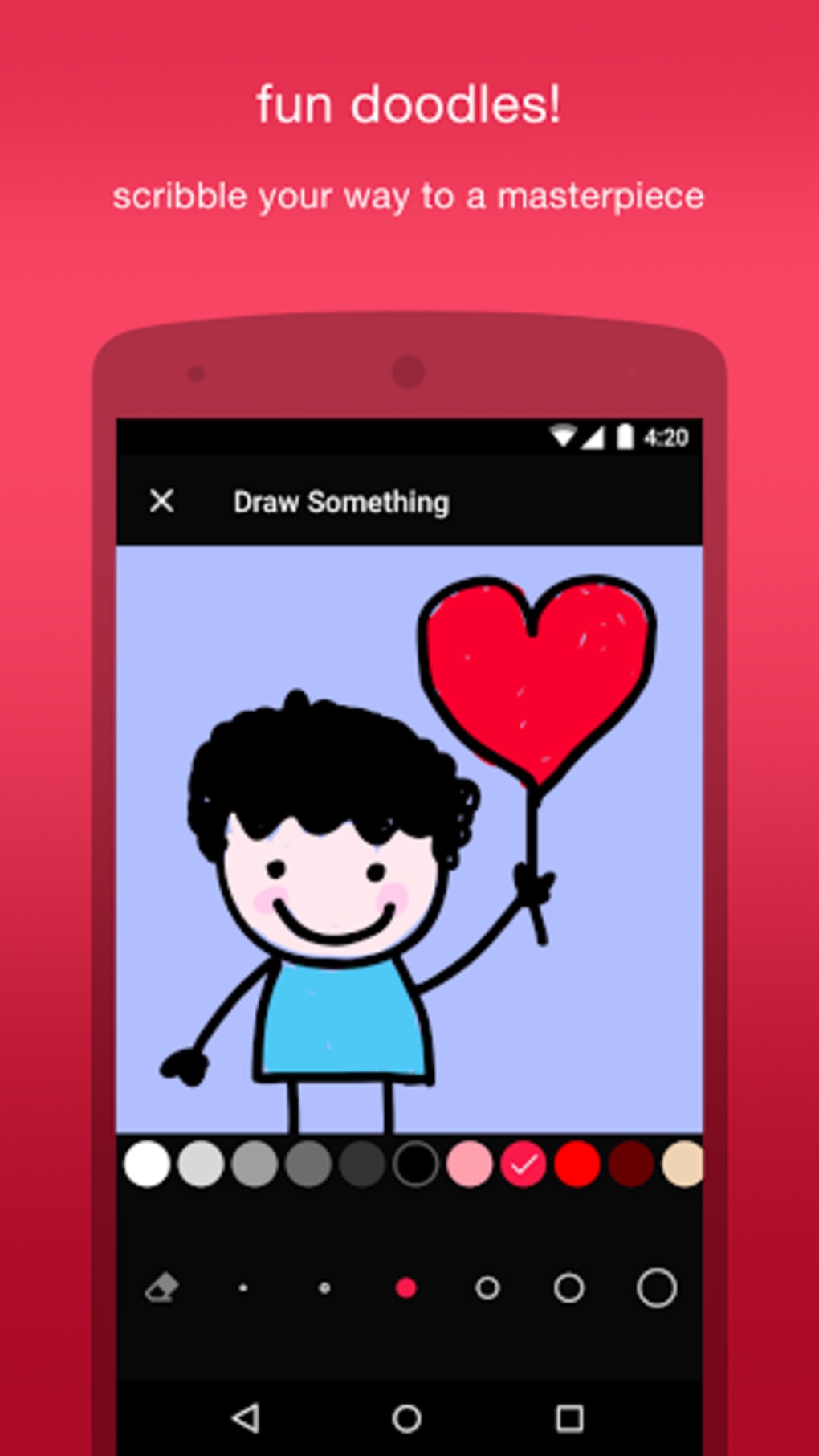
- Custom Stickers and Text Effects – Offers free text fields and a library of quirky, themed stickers to personalize messages with humor or emotion.
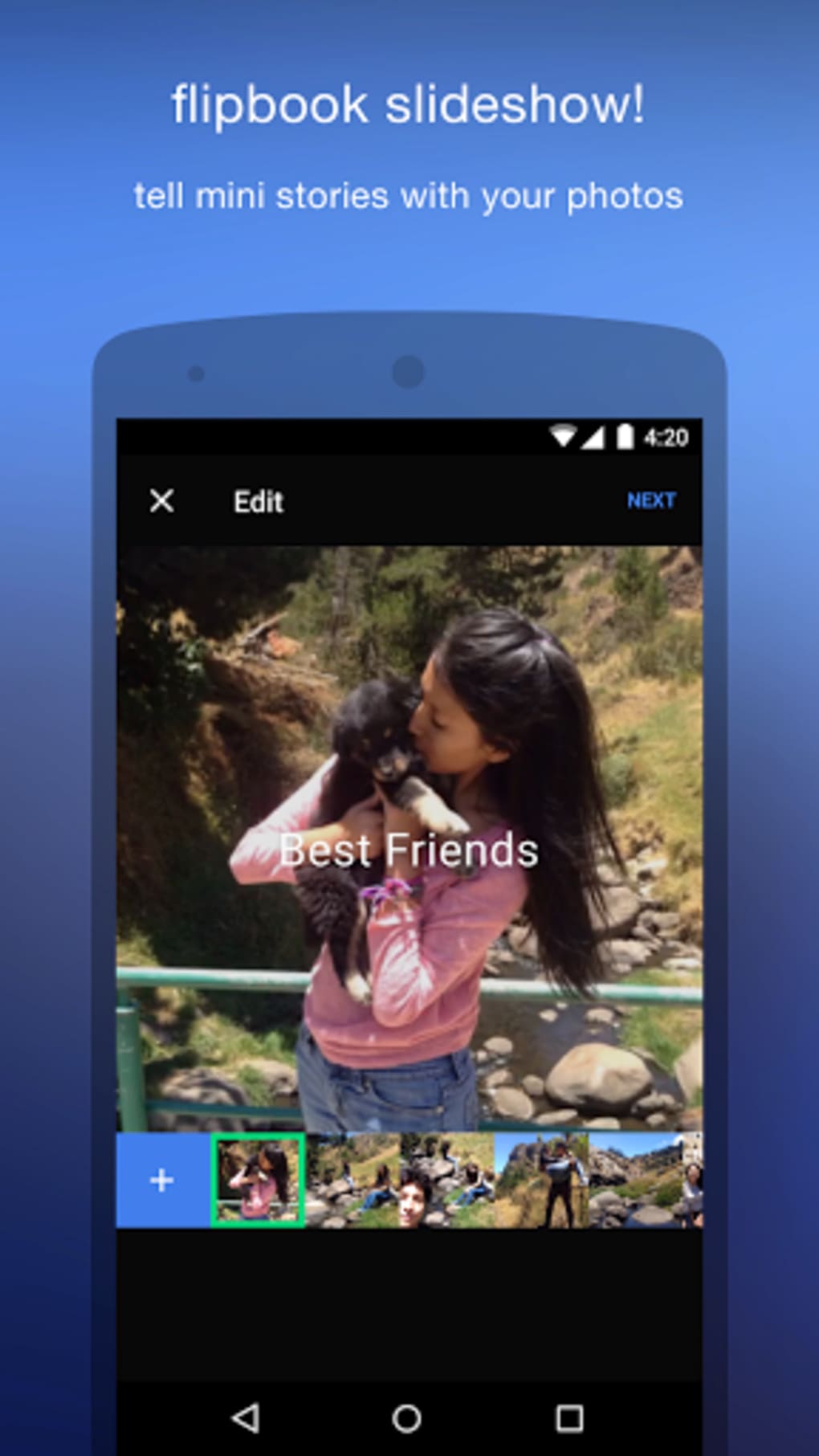
- Flipbook Messages – Allows users to compile up to 150 photos into a scrolling animated story, ideal for documenting relationships or life milestones.
- Themed Content Library – Includes hundreds of pre-designed images, GIFs, and templates for occasions such as birthdays, holidays, and anniversaries.
- Photo Editing Tools – Provides intuitive controls for adjusting brightness, contrast, color temperature, and lighting effects to refine image appearance.
- Multi-Platform Integration – Supports importing photos from Instagram and Facebook albums, streamlining access to visual content for editing and sharing.
These features collectively support creative workflows, from simple edits to complex visual narratives. For example, a user might create a birthday message by combining a decade’s worth of portraits into a flipbook, adding animated text and festive stickers. Another might use the AI enhancement tool to restore a faded family photo before turning it into a shareable GIF. The software’s versatility makes it suitable for both casual users and those with more advanced creative goals.
User Interface, Workflow & Performance
The user interface of Kanvas Lab is designed around simplicity and intuitive navigation. Core functions are accessible through swipe and tap gestures, minimizing the learning curve for new users. The layout organizes tools into clearly labeled panels, allowing for quick access to editing options, animation controls, and media libraries.
Workflow efficiency is enhanced by the app’s streamlined design. Users can import photos directly from cloud albums, apply edits in real time, and export final creations with minimal steps. The ability to preview animations and flipbooks before sharing contributes to a smooth, error-free experience.
Performance details were not specified by the developer. General software behavior patterns suggest stable operation under normal conditions, though exact CPU or RAM usage remains unconfirmed. The application’s 120MB size indicates a lightweight footprint, which may contribute to efficient loading and responsiveness. No reports of crashes or instability were provided.
Compatibility & System Requirements
Kanvas Lab is available for both Windows and Mac operating systems. The current version is 1.2.0, released on April 15, 2024. The installation package is 120MB in size, suggesting a compact download and minimal disk space usage.
Exact system requirements were not listed. Compatibility information is limited to the supported platforms. The developer did not provide additional system requirements, such as minimum RAM, processor speed, or graphics card specifications. Users should ensure their system meets general desktop application standards for smooth performance.
Pros and Cons
Pros
- Intuitive, gesture-based interface suitable for beginners and experienced users alike
- AI-powered photo enhancement improves image quality automatically
- Rich library of themed GIFs, stickers, and templates for instant creative use
- Supports creation of animated flipbooks from up to 150 photos
- Seamless integration with Instagram and Facebook for content import
- Compact installation size (120MB) with efficient resource usage
Cons
- Specific system requirements were not disclosed
- Resource usage during editing or animation rendering was not specified
- Limited information on update frequency or future feature roadmap
- No mention of offline functionality or cloud sync capabilities
FAQ Section
Is Kanvas Lab compatible with Windows and Mac?
Yes, Kanvas Lab is available for both Windows and Mac operating systems.
Does the software require an internet connection?
While the app supports importing content from Instagram and Facebook, offline usage is possible for editing and creating projects. However, access to online libraries and cloud-based features may require an internet connection.
Is the AI photo enhancement tool included in the free version?
Based on the provided information, the software is priced at $14.99, suggesting it is a one-time purchase. No free version was mentioned, so the AI enhancement tool is included in the full release.
How often are updates released?
Update frequency was not specified. The current version is 1.2.0, released on April 15, 2024. Users are advised to check the official website for the latest version.
Can I use Kanvas Lab without creating an account?
The developer did not provide details on account requirements. While some features may require login for cloud access, basic editing and creation functions may be available without registration.
Final Thoughts + CTA
Kanvas Lab stands out as a creative and expressive desktop tool for users who want to elevate their digital communication. With a blend of AI enhancement, animation creation, and intuitive design, it successfully bridges the gap between simple photo editing and dynamic visual storytelling. Its ability to transform static images into animated messages, flipbooks, and themed GIFs makes it ideal for families, friends, and creatives seeking to add emotional depth to their content.
While system requirements and performance metrics are not fully detailed, the software’s lightweight size and platform availability enhance its accessibility. For users who value personalization, creativity, and ease of use, Kanvas Lab delivers a compelling experience.
Download Kanvas Lab now





.png)

